

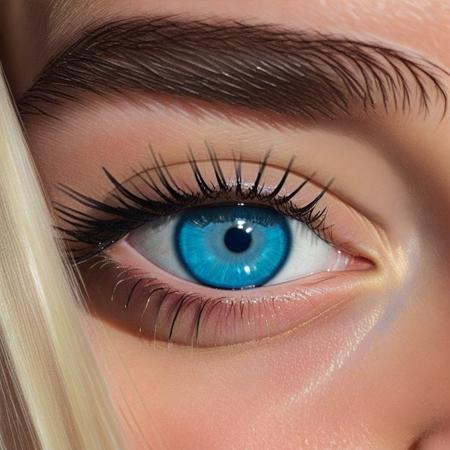
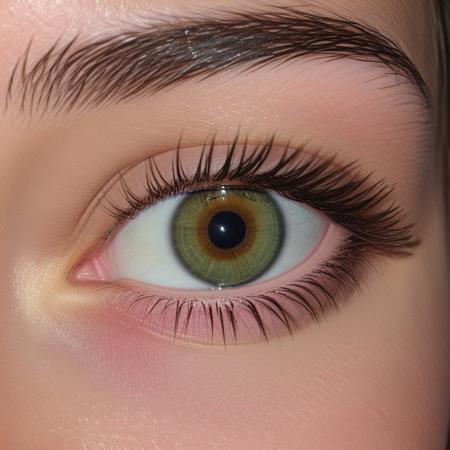
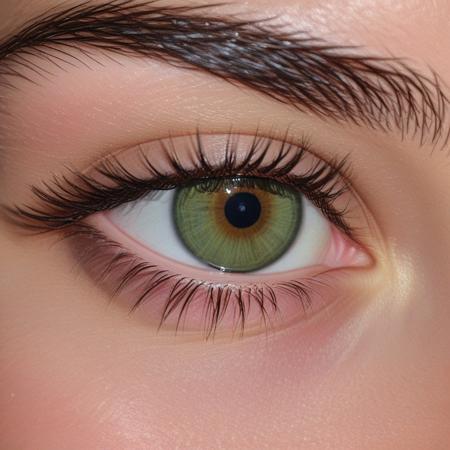
Her Eyes
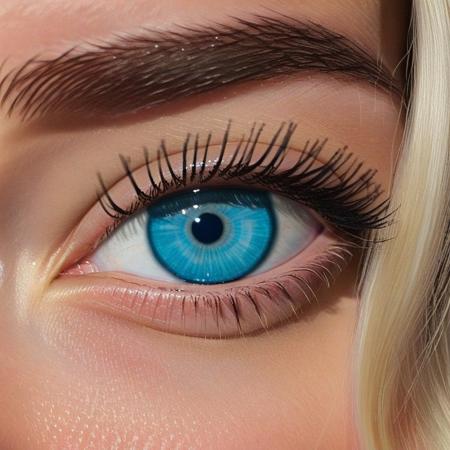
- Prompt
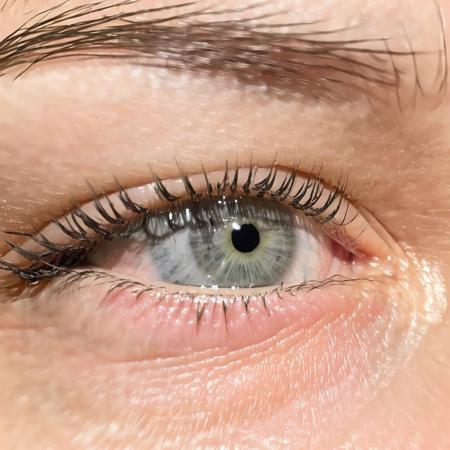
- Prompt
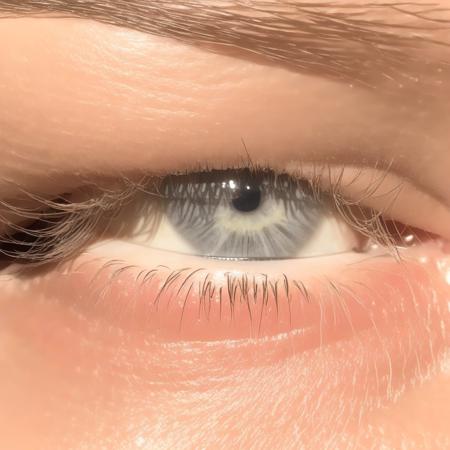
- Prompt
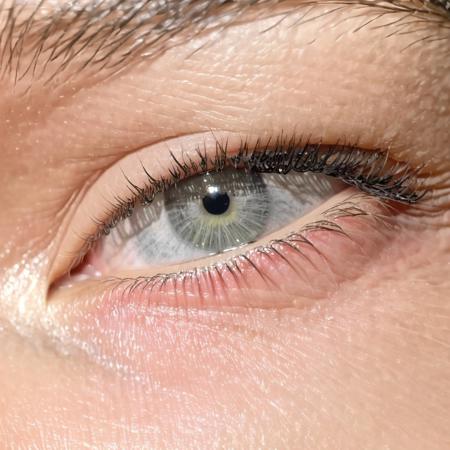
- Prompt

- Prompt
- Prompt

- Prompt

- Prompt
- Prompt
- Prompt
Model description
This is a test version of "Her Eyes" LoRA, if you get unexpectedly bad results or images please share them with me "The creator" directly to improve this LoRA on an upcoming update.
Your support drives our ability to create better, more enjoyable and controllable diffusion models and adapter that fit all your AI image generation needs.
Download model
Weights for this model are available in Safetensors format.
Download them in the Files & versions tab.
Use it with the 🧨 diffusers library
from diffusers import AutoPipelineForText2Image
import torch

pipeline = AutoPipelineForText2Image.from_pretrained('stabilityai/stable-diffusion-xl-base-1.0', torch_dtype=torch.float16).to('cuda')
pipeline.load_lora_weights('Tech-Meld/her-eyes', weight_name='Her_Eyes.safetensors')
image = pipeline('Your custom prompt').images[0]
For more details, including weighting, merging and fusing LoRAs, check the documentation on loading LoRAs in diffusers
- Downloads last month
- 5
Model tree for Tech-Meld/her-eyes
Base model
stabilityai/stable-diffusion-xl-base-1.0